Flows that run on standard connectors
Power Automate tutorials
Approval workflows, form automations, email reminders, reports and document generation, all built with standard Power Automate connectors. No SharePoint, no premium licence.
- 16 step-by-step guides
- Written steps for every video
- Business Basic friendly
All Power Automate guides
 10:35
10:35
Power Automate
How to mail merge with individual attachments using Power Automate and Excel
 3:18
3:18
Power Automate
How to send HTML emails with embedded images from Power Automate
 5:20
5:20
Power Automate
How to back up Outlook emails to OneDrive automatically with Power Automate
 19:45
19:45
Power Automate
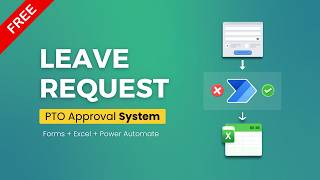
How to build a leave request and approval system with Forms, Excel and Power Automate
 24:46
24:46
Power Automate
How to send automatic follow-up emails in Outlook when nobody replies
 15:46
15:46
Power Automate
How to turn Microsoft Forms responses into PDFs and email them automatically
 10:45
10:45
Power Automate
How to send birthday emails to Outlook contacts with Power Automate
 21:43
21:43
Power Automate
How to generate Word documents from Excel and Microsoft Forms with Power Automate
 16:40
16:40
Power Automate
How to organize Microsoft Forms file uploads into OneDrive with an Excel index
 19:50
19:50
Power Automate
How to send automatic reminder emails for pending approvals in Power Automate
 20:01
20:01
Power Automate
How to build a sequential approval flow in Power Automate (manager, then IT)

Power Automate
Automate Follow-Up Emails in Outlook
 14:20
14:20
Power Automate
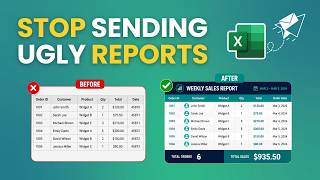
How to email a weekly sales report from Excel with Power Automate
 19:30
19:30
Power Automate
How to get reminded about unread Outlook emails with Power Automate
 21:55
21:55
Power Automate
How to check PTO balance before approval with Power Automate, Microsoft Forms and Excel
Article
Power Automate